
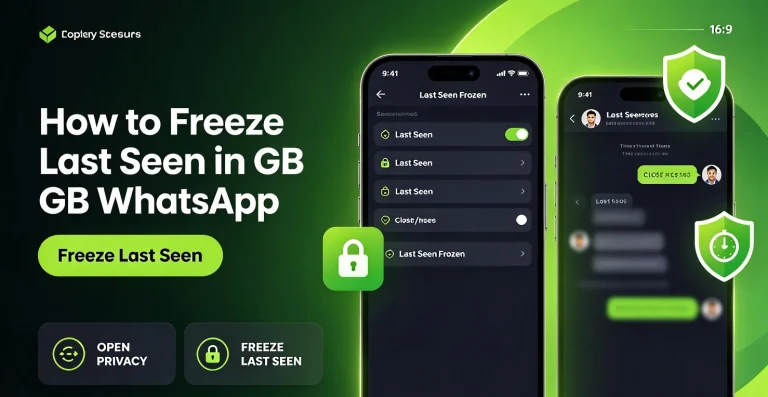
How to Freeze Last Seen in GB WhatsApp
Freezing your last seen status in GB WhatsApp is a privacy option designed to keep your displayed last active time from updating. If your version supports this feature, you may be able to keep a previous timestamp visible while continuing to use the app. The setting is different from hiding your last seen completely. Instead…
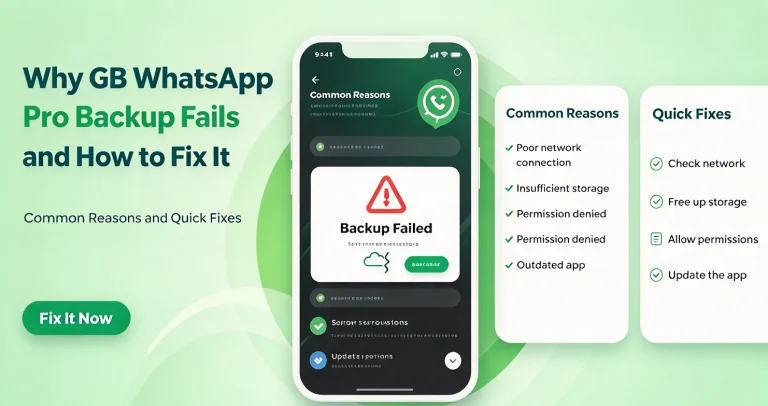
Why GB WhatsApp Pro Backup Fails and How to Fix It
GB WhatsApp Pro backup failures can happen when your phone has insufficient storage, the app cannot access its files, or the backup process encounters an error. Problems may also occur after updating the app or changing Android devices. If your chat backup is stuck, fails to complete, or does not create a usable file, try…
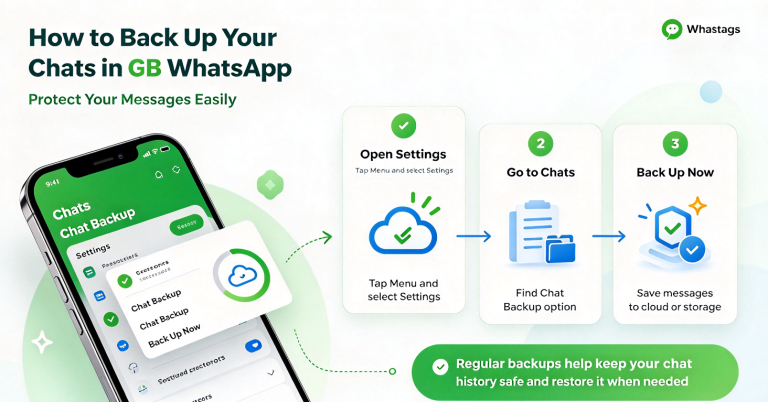
How to Back Up Your Chats in GB WhatsApp
Backing up your chats in GB WhatsApp can help you preserve conversations, photos, videos, and other message history before changing phones or reinstalling the app. The available backup options may vary depending on the version you use. Before making changes to your app, create a backup if the feature is available and verify that the…
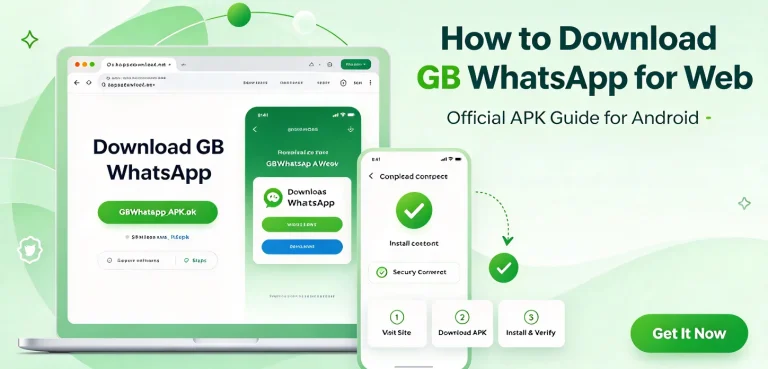
How to Download GB WhatsApp pro for Web
GB WhatsApp is designed primarily for Android phones, so there is no separate GB WhatsApp Web APK that you can download and install on a computer. If you want to use your GB WhatsApp account on a larger screen, the usual approach is to link the account to a browser or desktop device. WhatsApp officially…
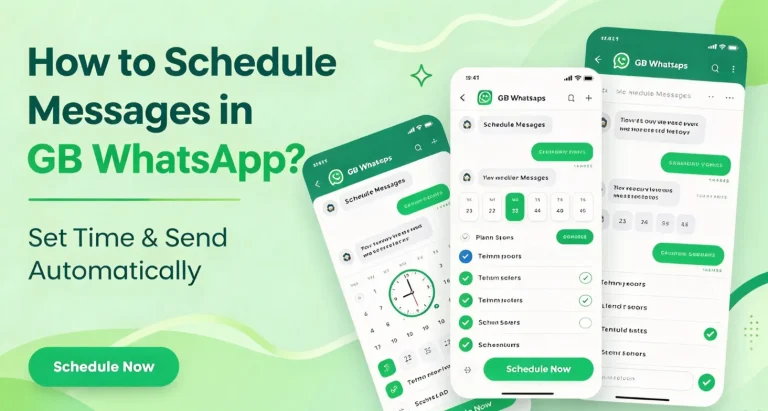
How to Schedule Messages in GB WhatsApp ?
Want to send a WhatsApp message at a specific time without remembering to do it manually? GB WhatsApp includes a message scheduling option that lets you prepare a message in advance and choose when it should be sent. The exact menu name and location can vary between GB WhatsApp versions. In some builds, the scheduler…
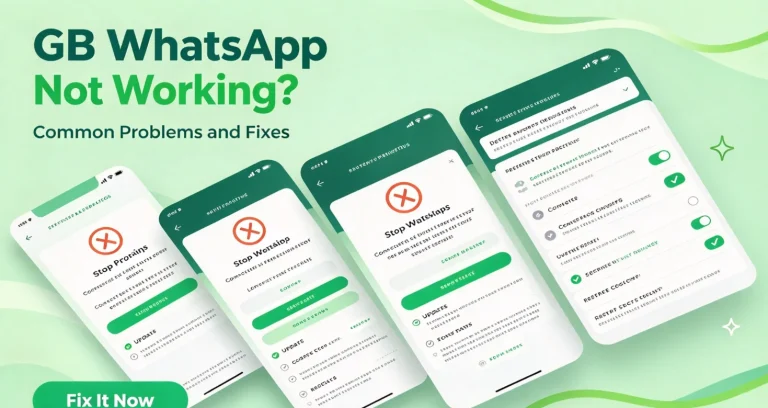
GB WhatsApp Not Working? Common Problems and Fixes
GB WhatsApp can sometimes stop working normally even when it was running fine before. The app may refuse to open, close unexpectedly, stay stuck during verification, fail to send messages, or stop showing notifications. The cause is not always the same. An outdated APK, Android compatibility issue, unstable connection, restricted permissions, low storage, or a…